
POS management: the restaurant record
The full record of a point of sale, in tabs: Information, Members, Devices, Opening hours and Location. The "+ New PDV" button creates a point of sale.
Warning — the PDV Code is PERMANENT: chosen at creation, it can never be changed again (it identifies the store on receipts, statistics and POS till synchronisation).
Information
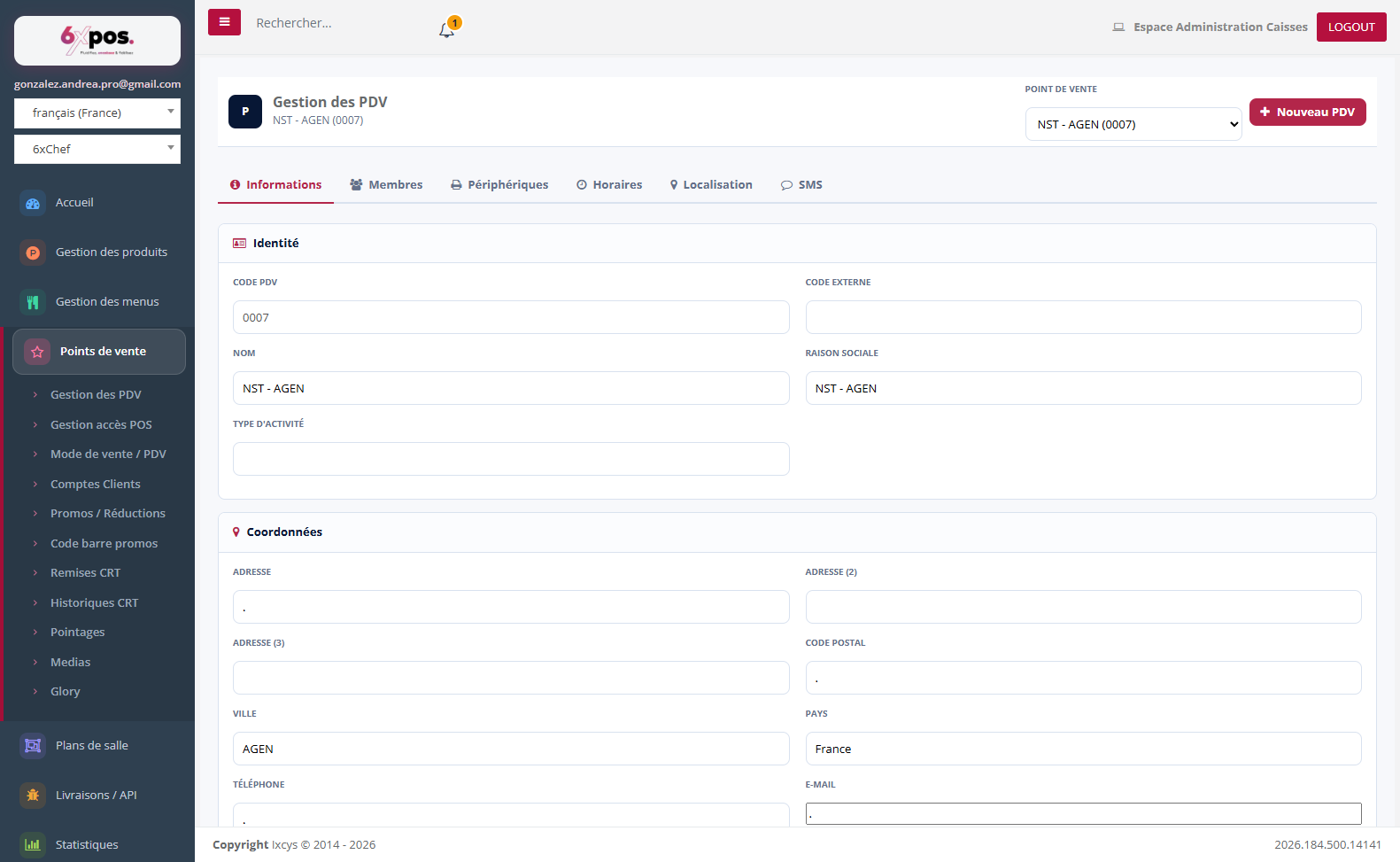
Figure 1 — The Information tab: identity, contact details and legal notices of the PDV.
Identity (code, external code, name, company name, type of activity), contact details and legal notices (SIRET, intra-community TVA, etc.). The address entered here feeds the Location tab.
Members
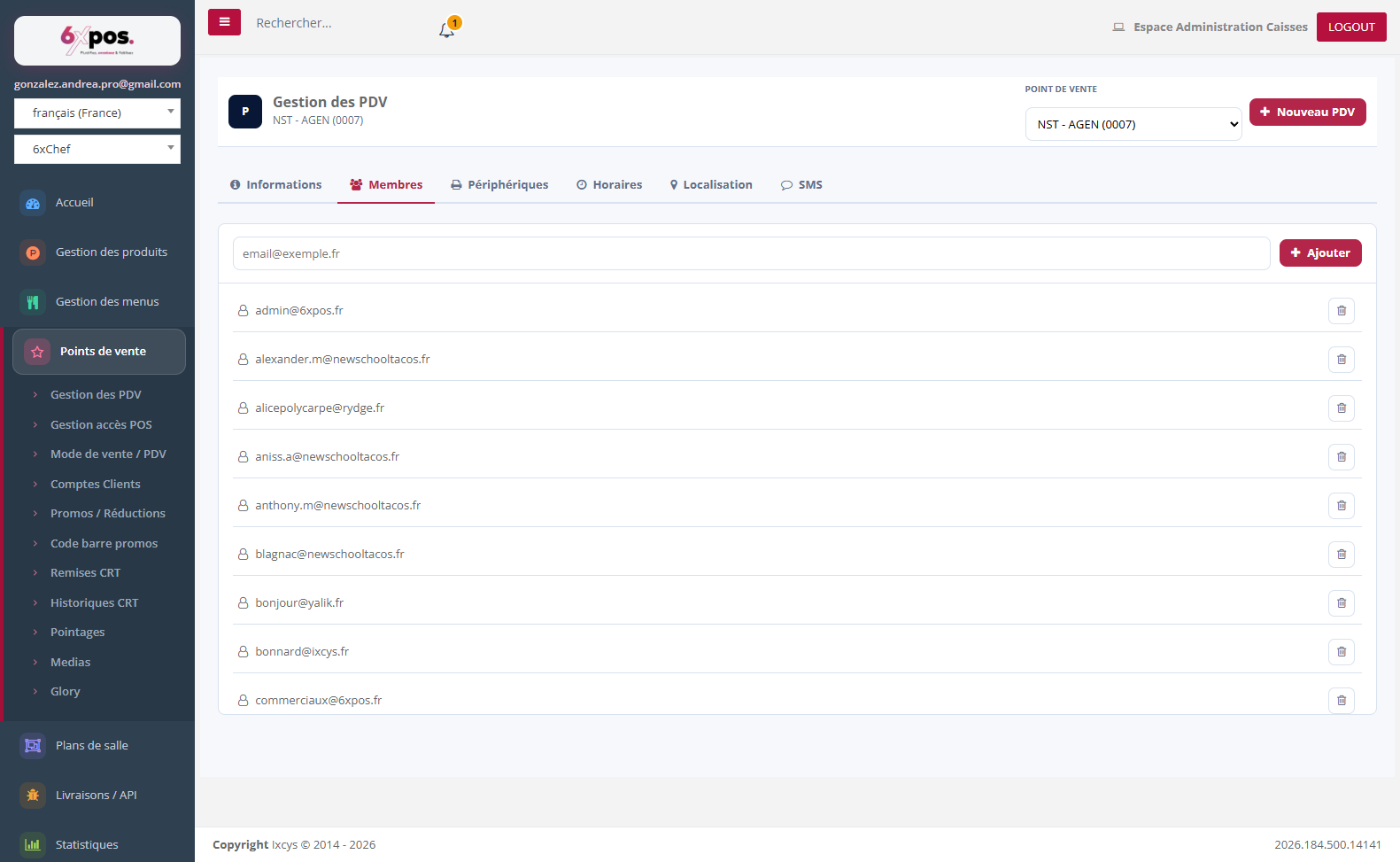
Figure 2 — Members: the e-mail addresses with access to this PDV in the back office.
Added by entering an e-mail address (no duplicates allowed), removed via the trash icon — immediately.
Devices
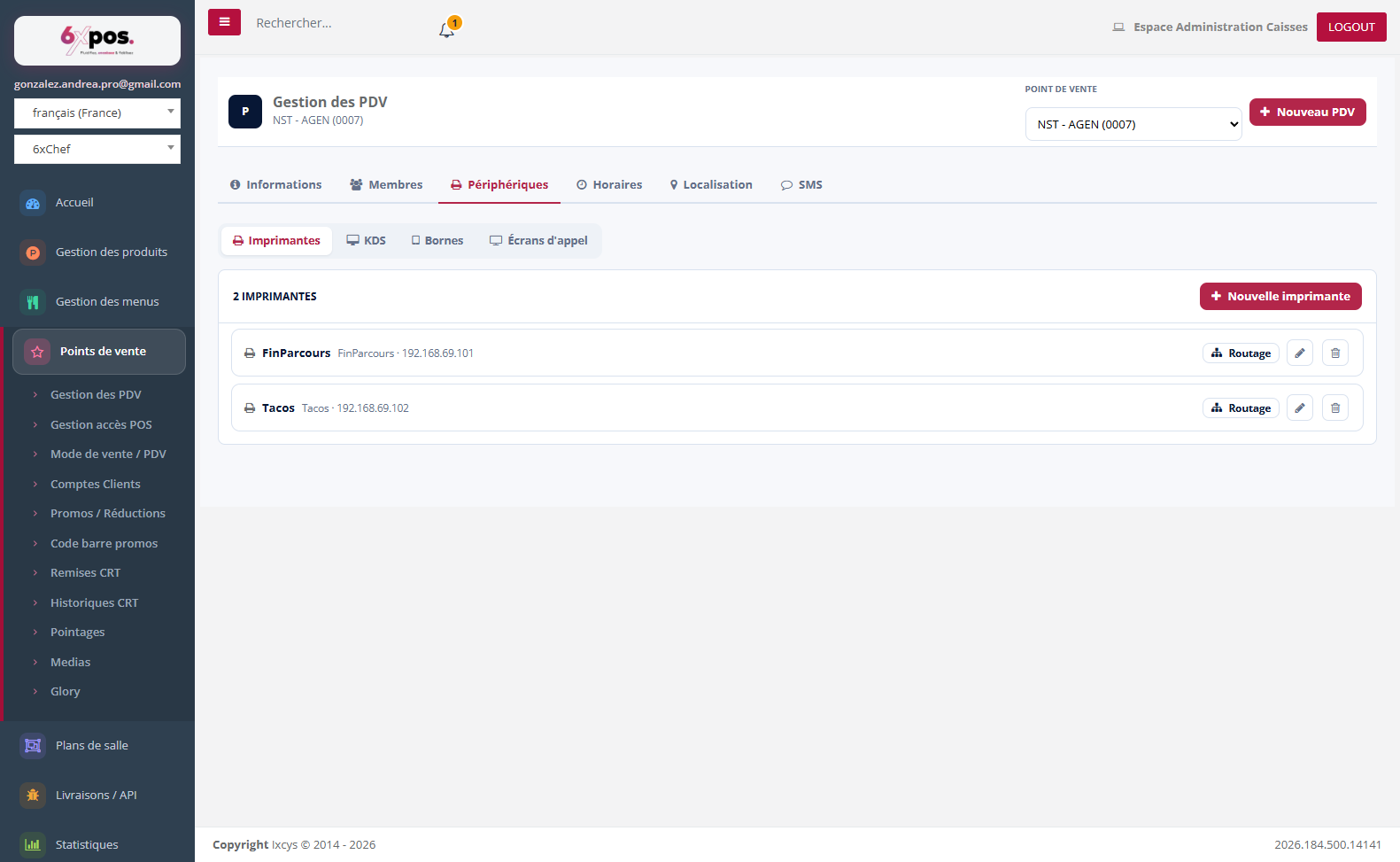
Figure 3 — Printers: name, IP address and routing to families/categories/products.
Each printer's "Routing" button selects the families, categories or products sent to it: it is what determines where the preparation tickets go.
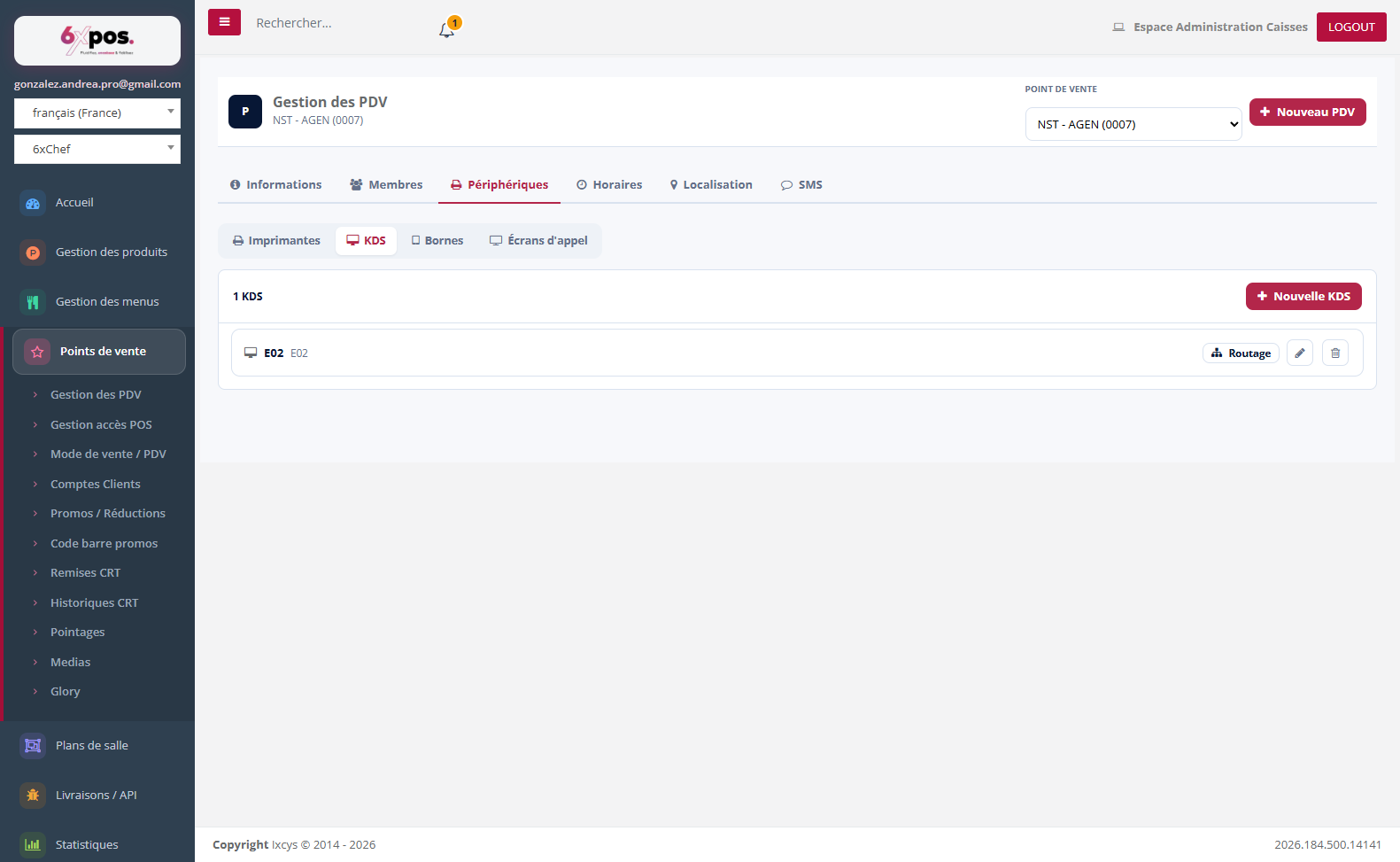
Figure 4 — KDS: identical to printers, but WITHOUT an IP address.
A kitchen display screen (KDS) is declared like a printer without an IP address — that is what distinguishes it. Its routing works in the same way.
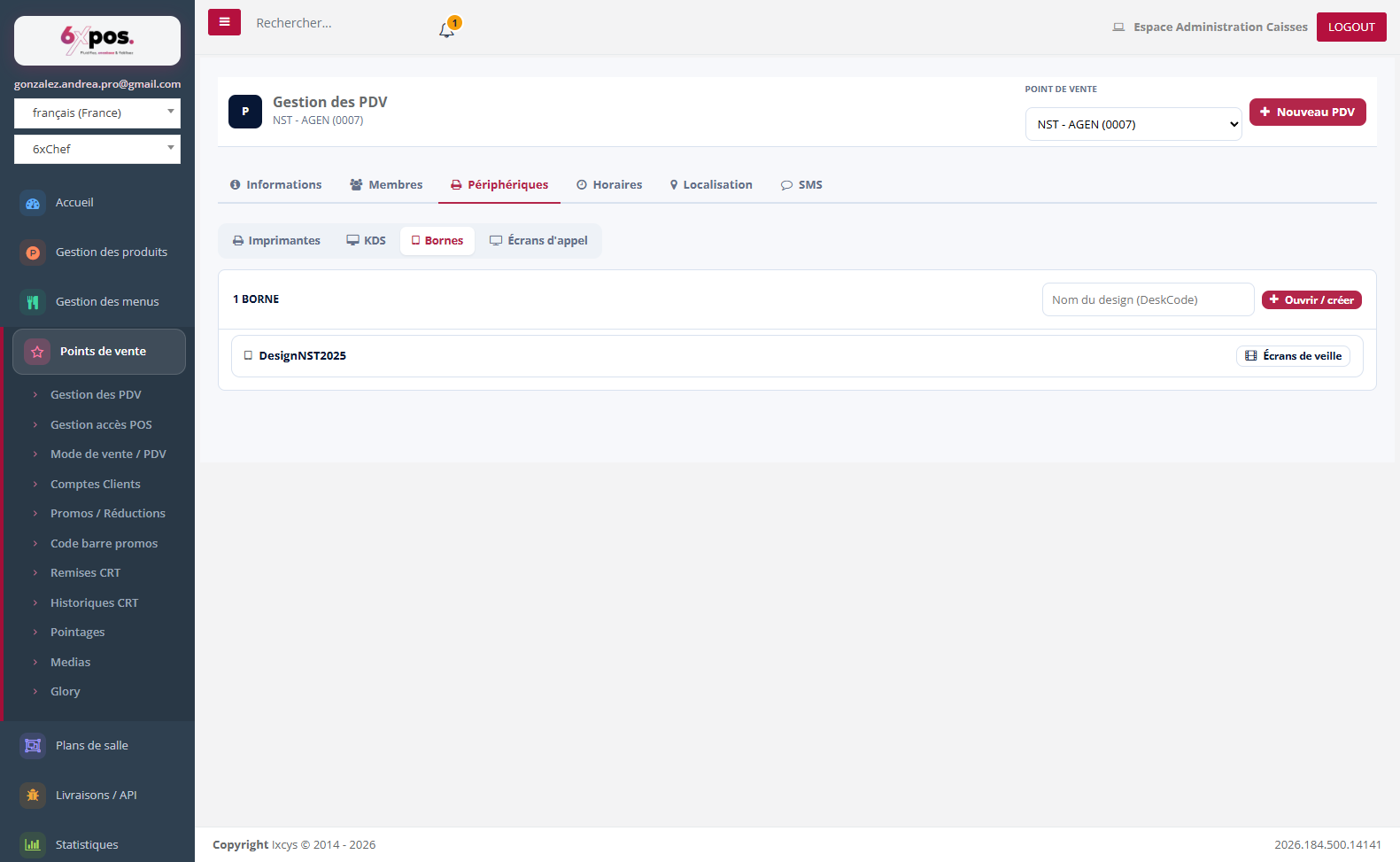
Figure 5 — Kiosks: the designs (DeskCode) and their video screensavers by language.
Good to know — videos are uploaded as .mp4 with no preparation: the server automatically compresses them to kiosk standards (1080×1920, 2,500 kbps, no sound) — the "Video compression" window tracks the processing and displays the size summary (e.g. 78 MB → 21 MB). During processing, the old video keeps playing: no interruption on the floor.
Warning — deleting a screensaver in the BO does not erase the copy already downloaded onto the kiosks.
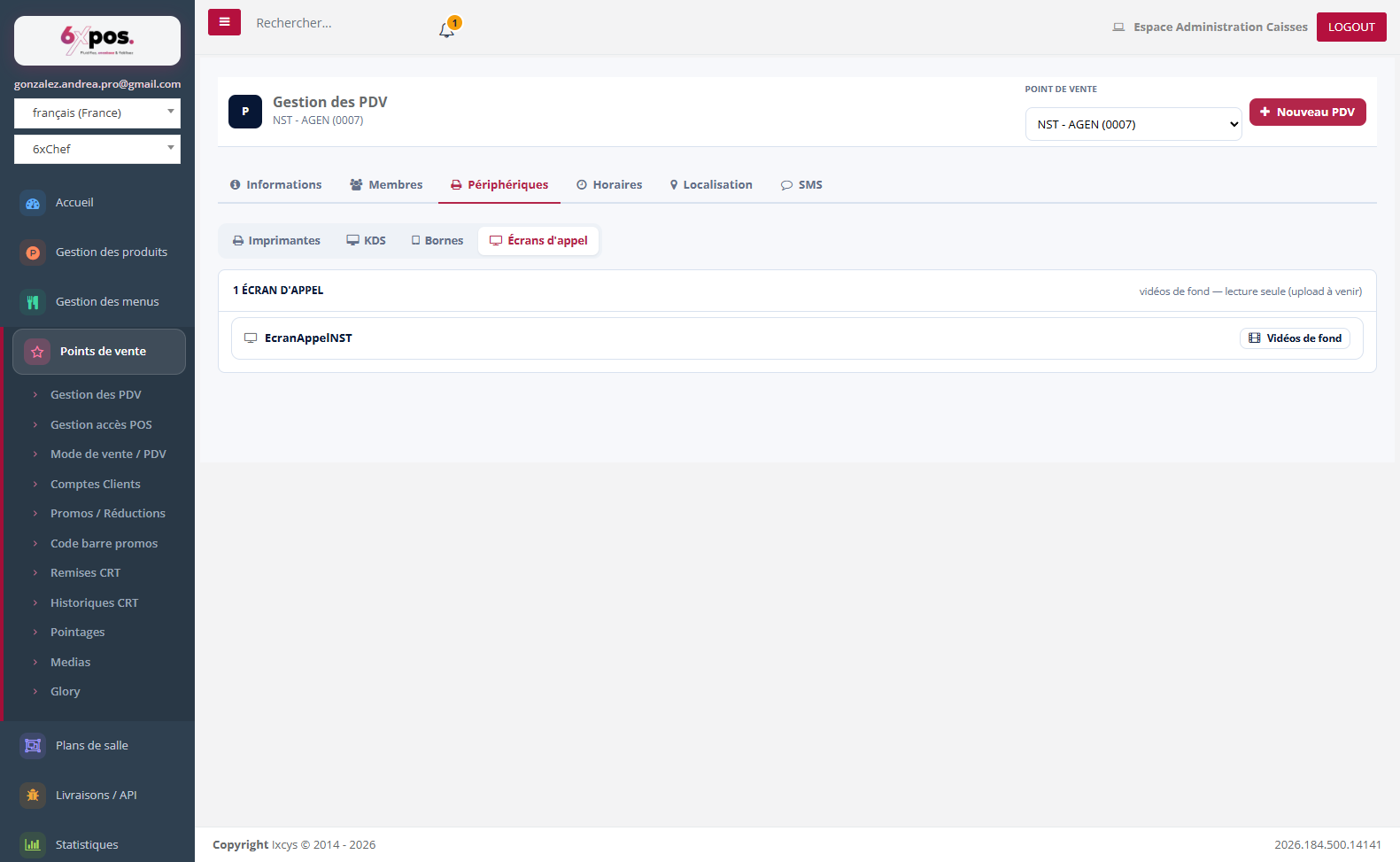
Figure 6 — Call screens: three background videos (main, orders ready, standby).
Opening hours
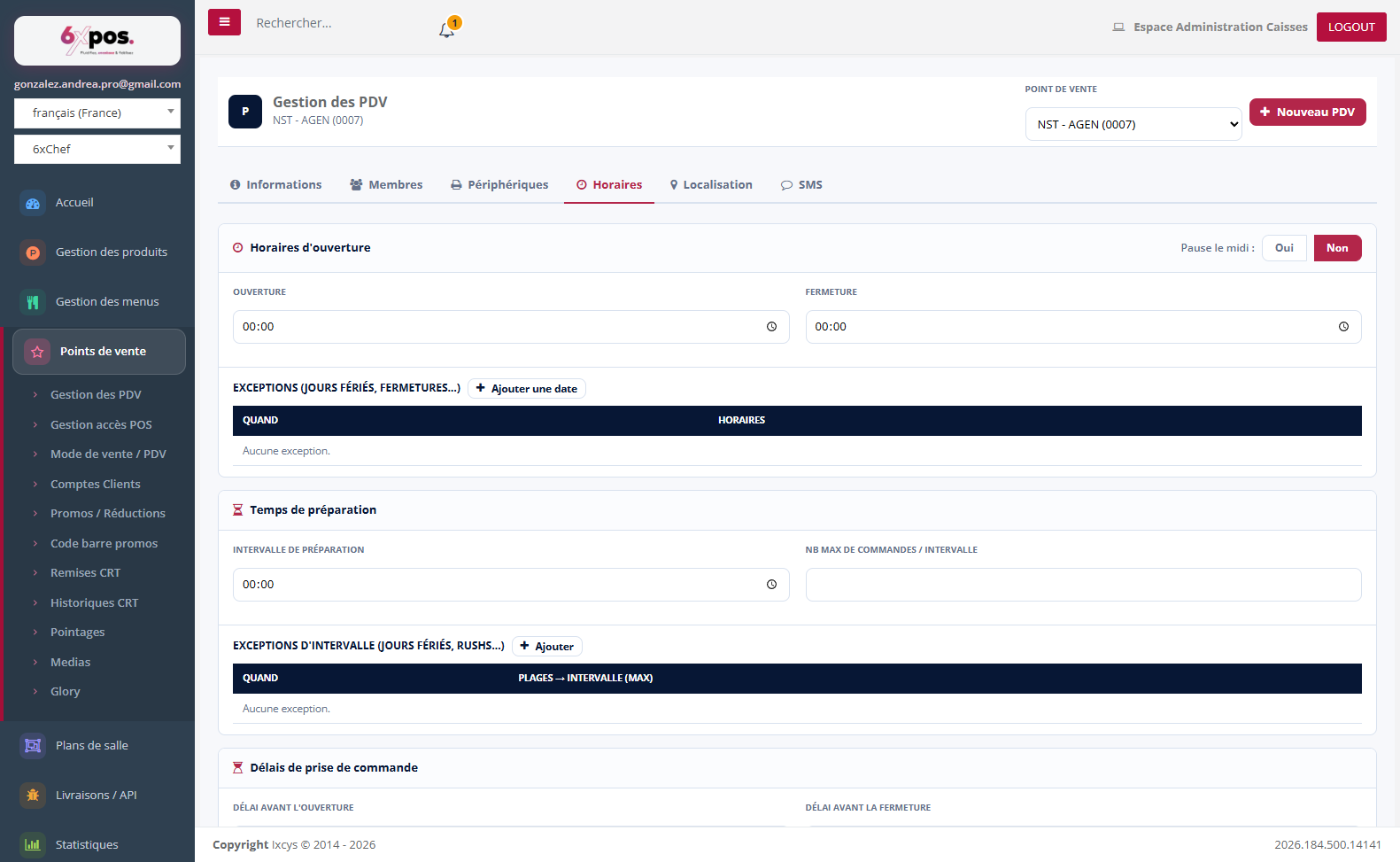
Figure 7 — Opening hours: opening slots, exceptions and preparation times.
Opening slots per day ("lunch break" toggle: 2 or 4 time markers), exceptions by date or day of the week ("Closed all day"), preparation times (interval, maximum number of orders per slot, rush exceptions) and order acceptance lead times. These settings drive online ordering.
Location
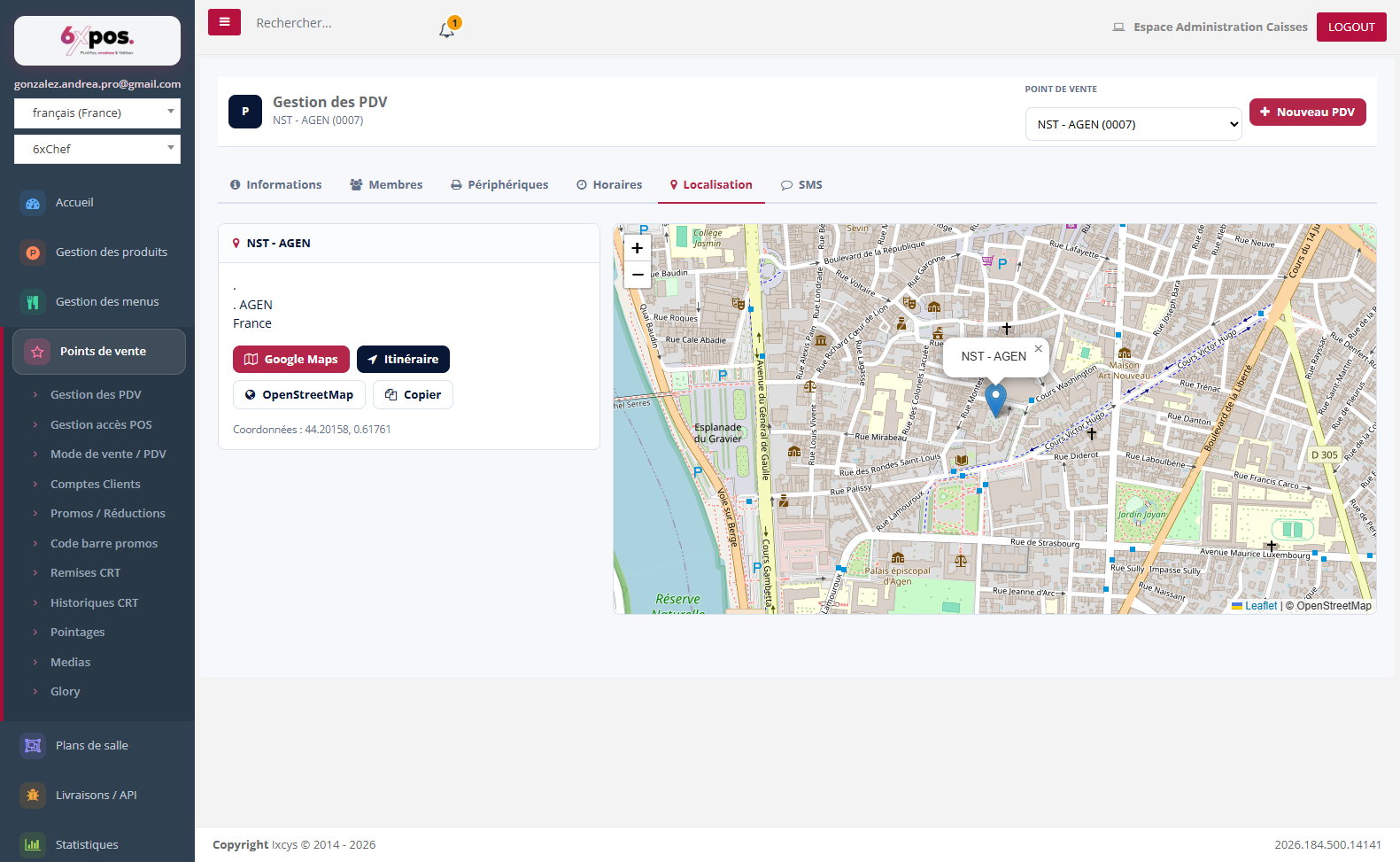
Figure 8 — Location: interactive map based on the address from the Information tab.
Google Maps / Directions / OpenStreetMap / Copy buttons. The map requires Internet access ("Map unavailable" otherwise).