
Clock-ins, Media, Glory
Read-only; the cash recycler is configured on the POS till. On these three logs, remember the « 30 days » shortcut if the default period returns nothing.
Clock-ins
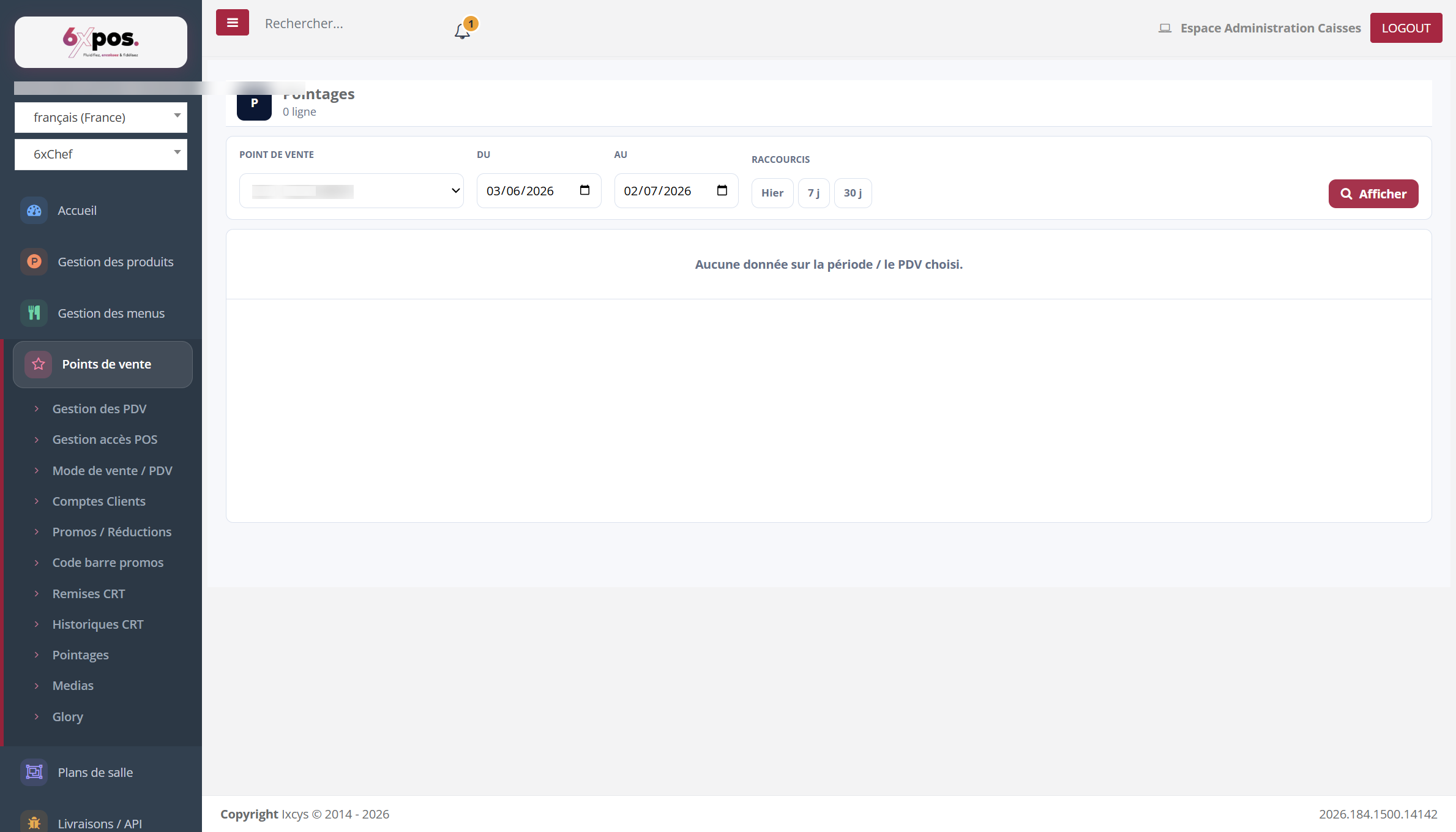
Figure 25 — The employee clock-in log (arrivals/departures recorded at the POS till).
Media
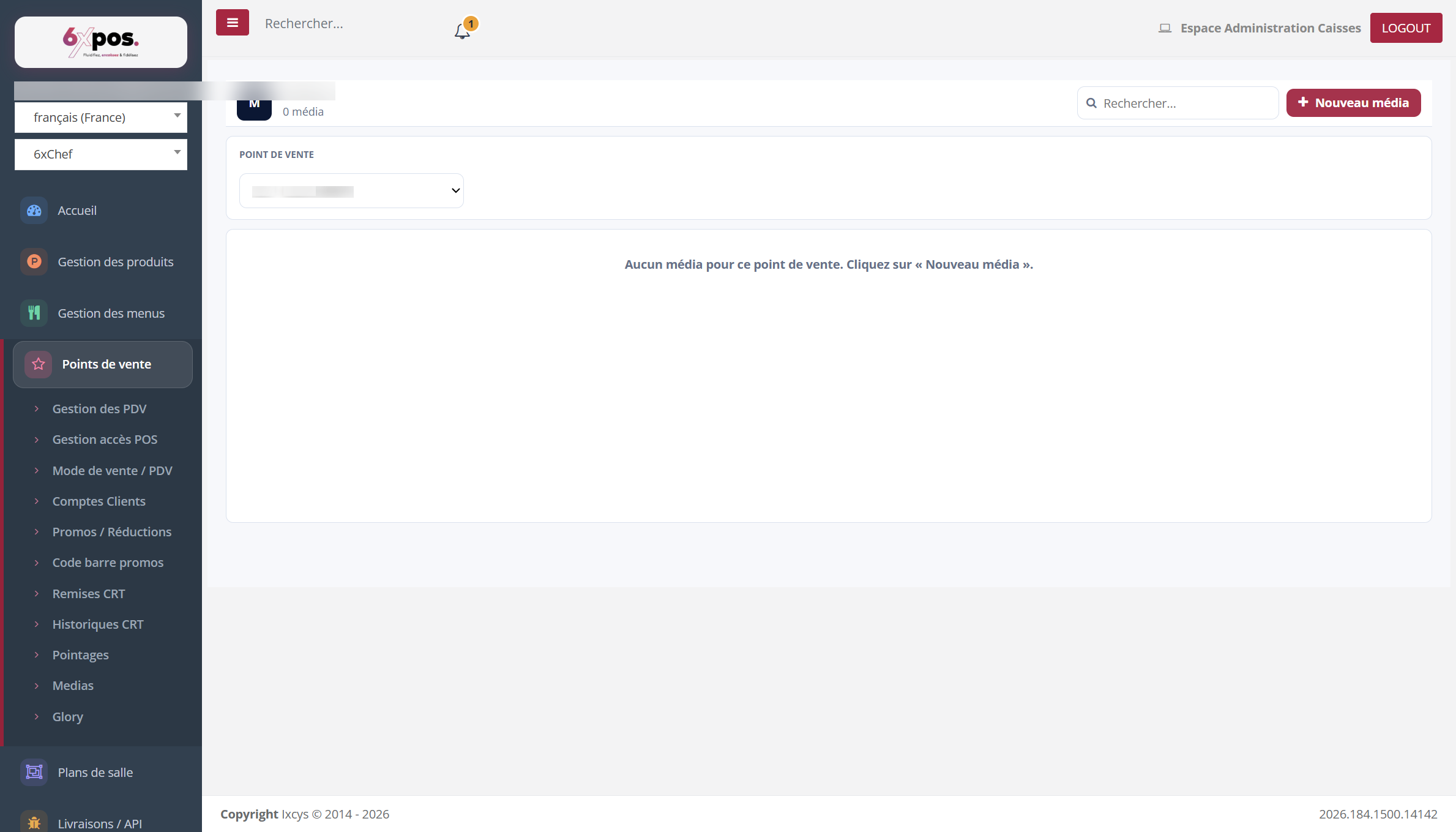
Figure 26 — The point of sale's media.
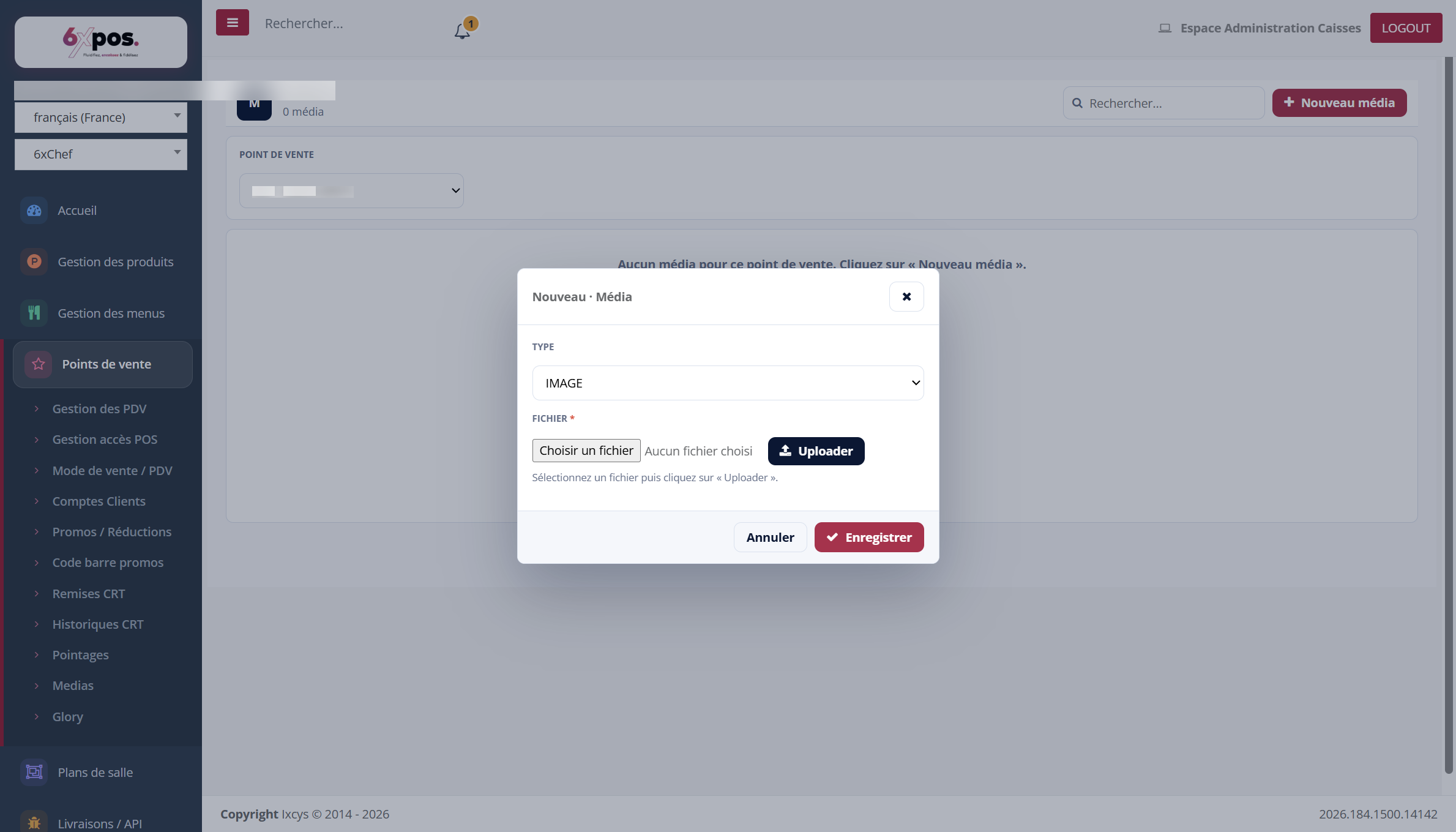
Figure 27 — Add a media item: type, file, upload then save.
Good to know — click « Upload » BEFORE « Save » — saving without uploading is rejected.
Glory
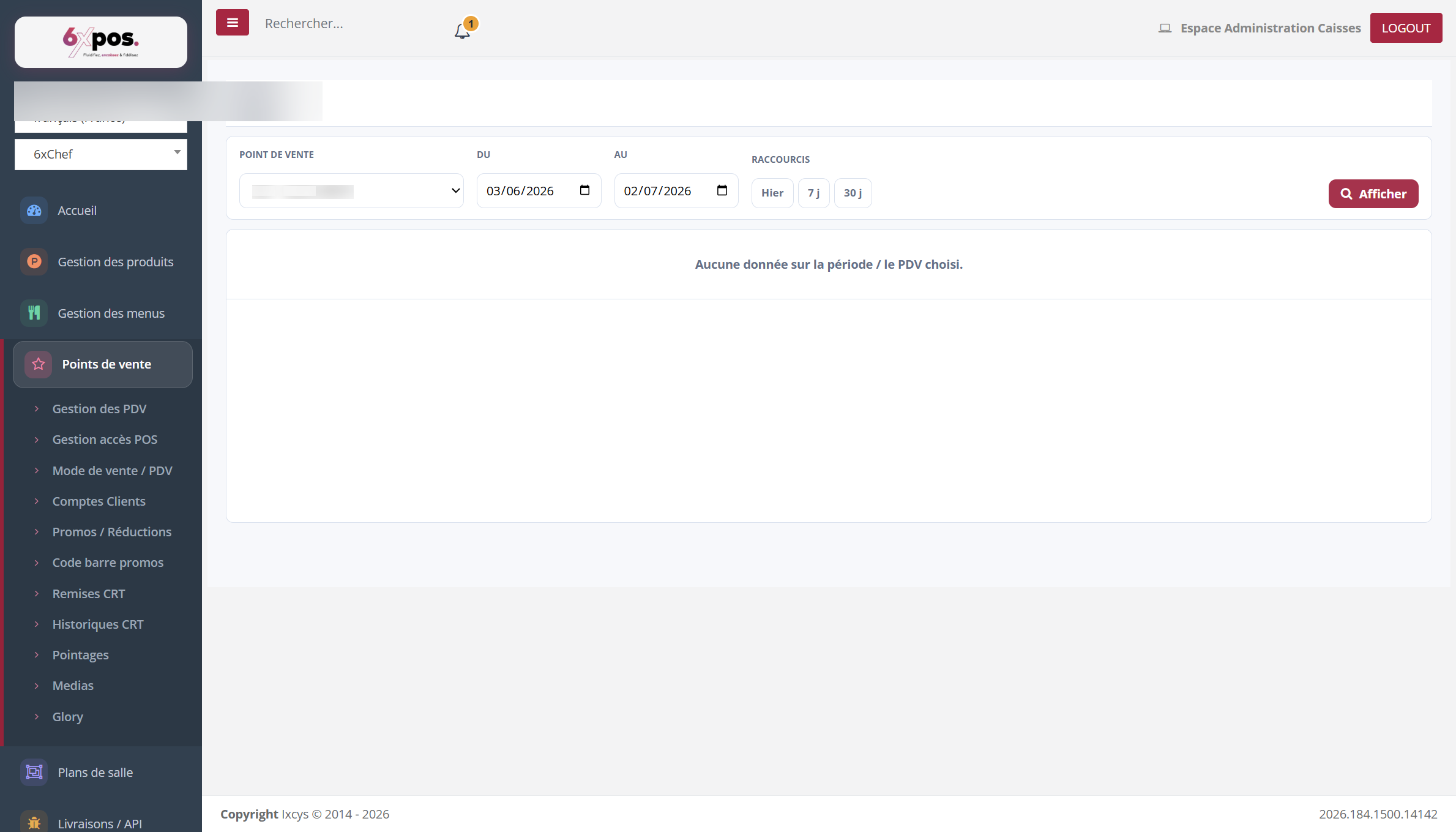
Figure 28 — The Glory cash recycler log (cash taken in and change dispensed).
Read-only; the cash recycler is configured on the POS till. On these three logs, remember the « 30 days » shortcut if the default period returns nothing.