
POS access management: the till users
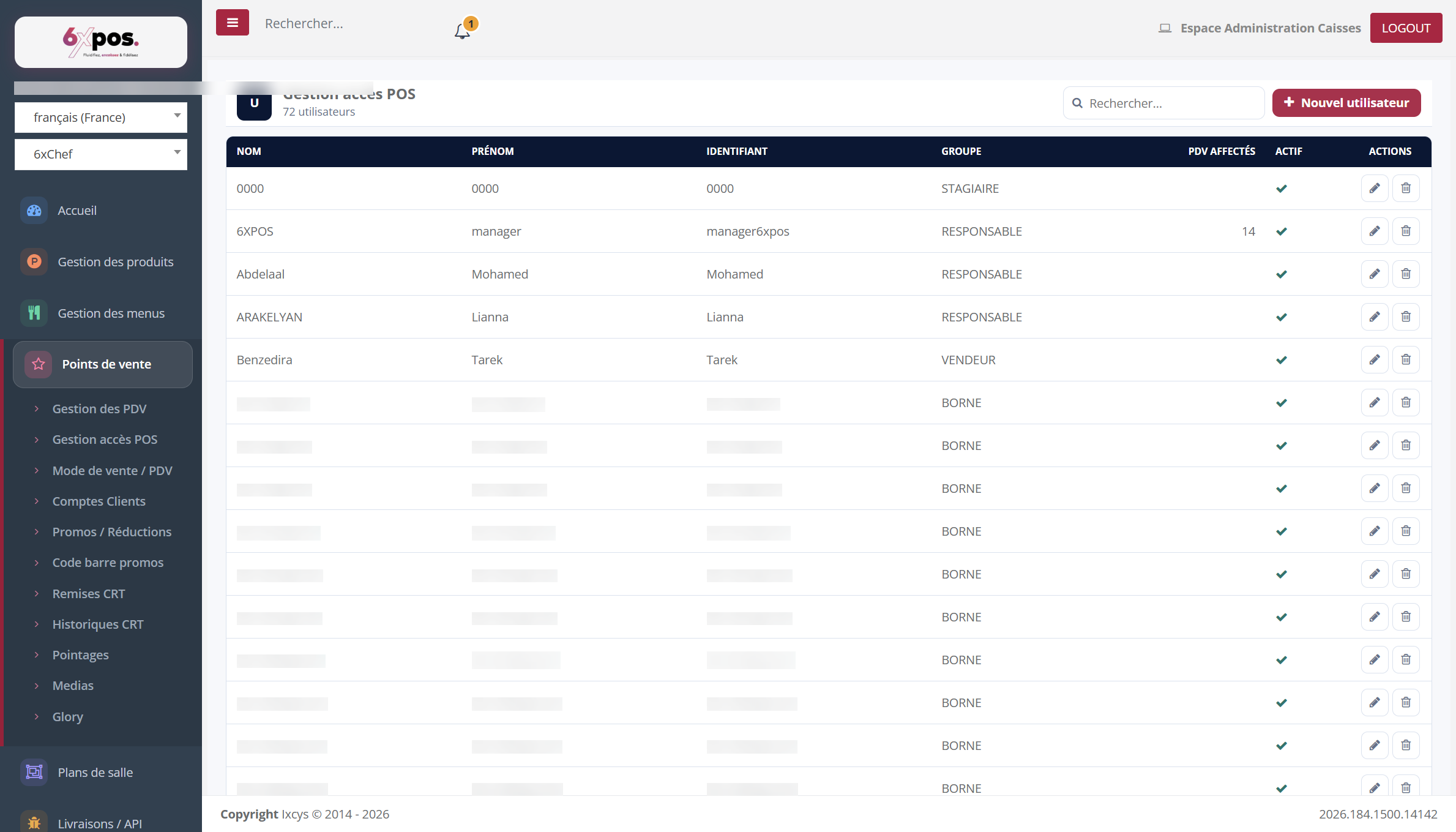
Figure 9 — The list of till users: login, permission group, assigned points of sale.
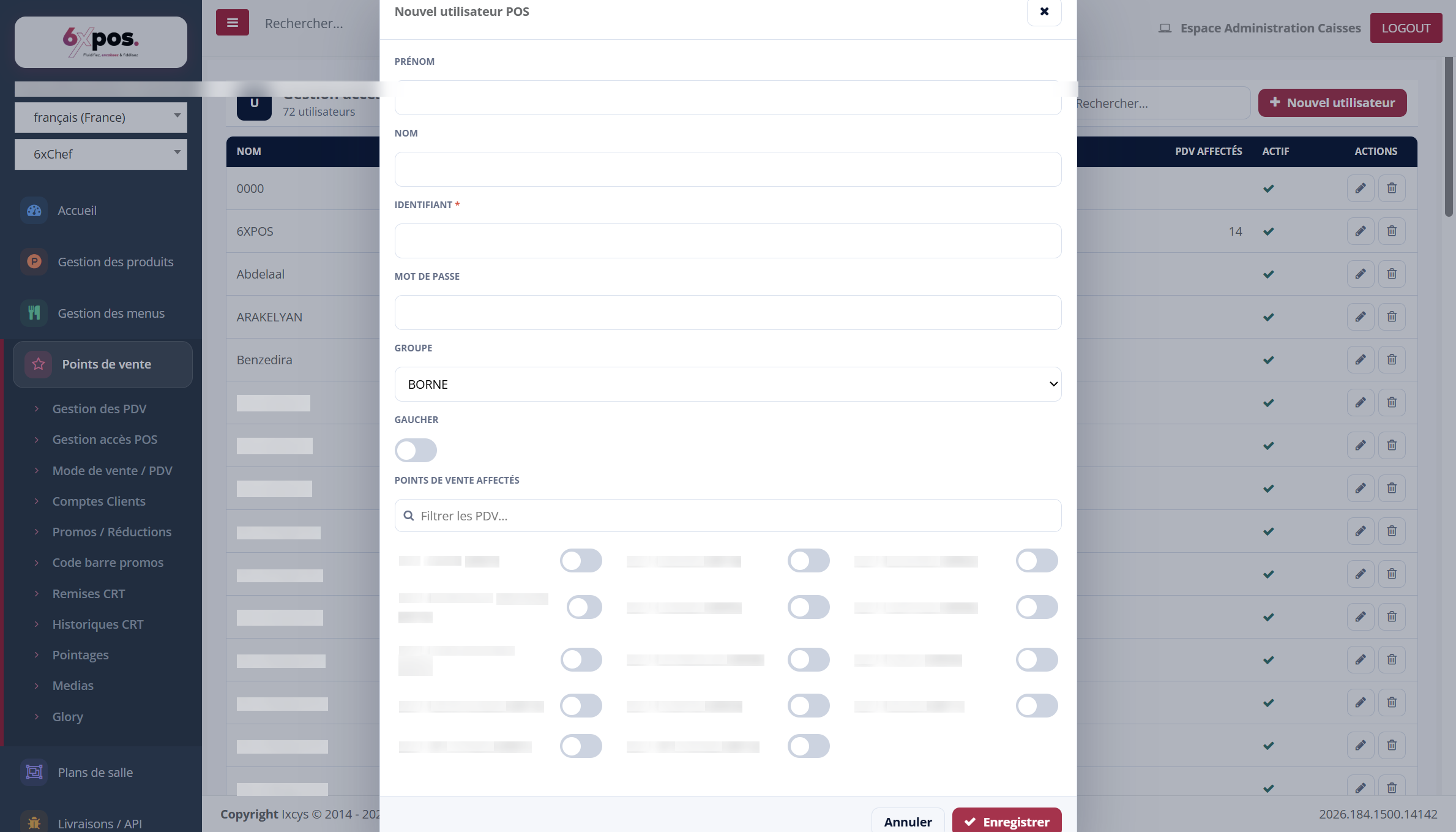
Figure 10 — The user record: identity, password, group, left-handed option and assigned points of sale.
- Group: this is the group (Manager, Salesperson, Kiosk, Trainee…) that determines the user's permissions at the POS till — the permissions are set in Configuration → Group Permissions.
- Left-handed: adapts the POS till interface for a left-handed user.
- Assigned points of sale: a toggle per point of sale, with a search filter.
Good to know — deleting a user deactivates them: they disappear from the list but their till history is retained.
Caution — the password is displayed in plain text in the record — avoid screen-sharing demonstrations with real codes.