
The menu list
Six automatic checks: No step · Empty step(s) · Deleted/blocked product · No active price · Desynchronised price sets · No POS availability.
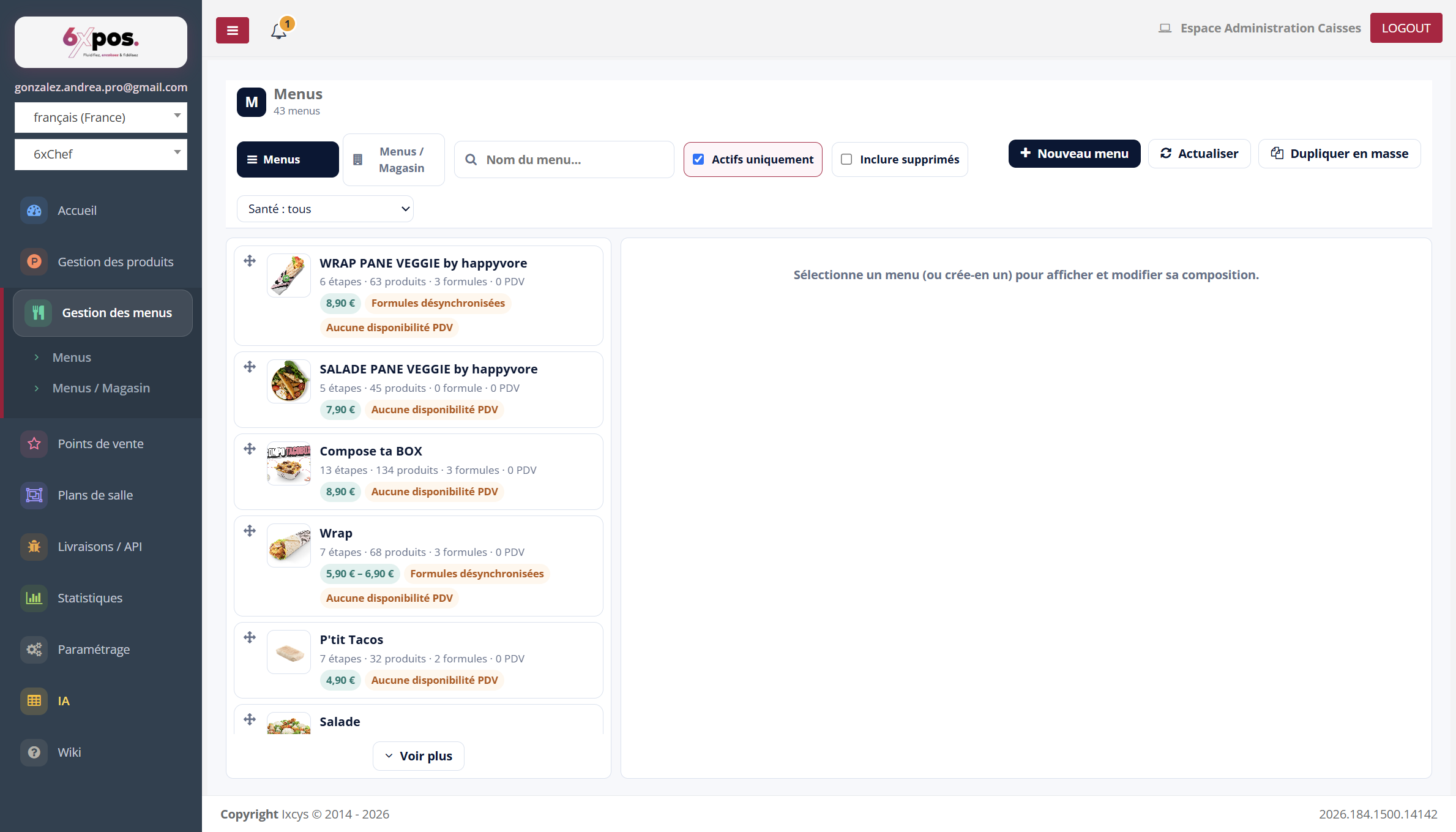
Figure 1 — The menu list: summary cards, search, filters and bulk duplication.
- A menu's card: thumbnail, name, meta "N steps · N products · N price sets · N POS", price badge (amount or range) and anomaly dots.
- Filters: search (name + API name), "Active only" (checked by default), "Include deleted", and the Health selector.
- Order: drag-and-drop (handle on the left) drives the display order at the POS till and on the kiosk.
Good to know — the sorting handle disappears as soon as a search or a health filter is active — you don't reorder a filtered subset.
Health anomalies
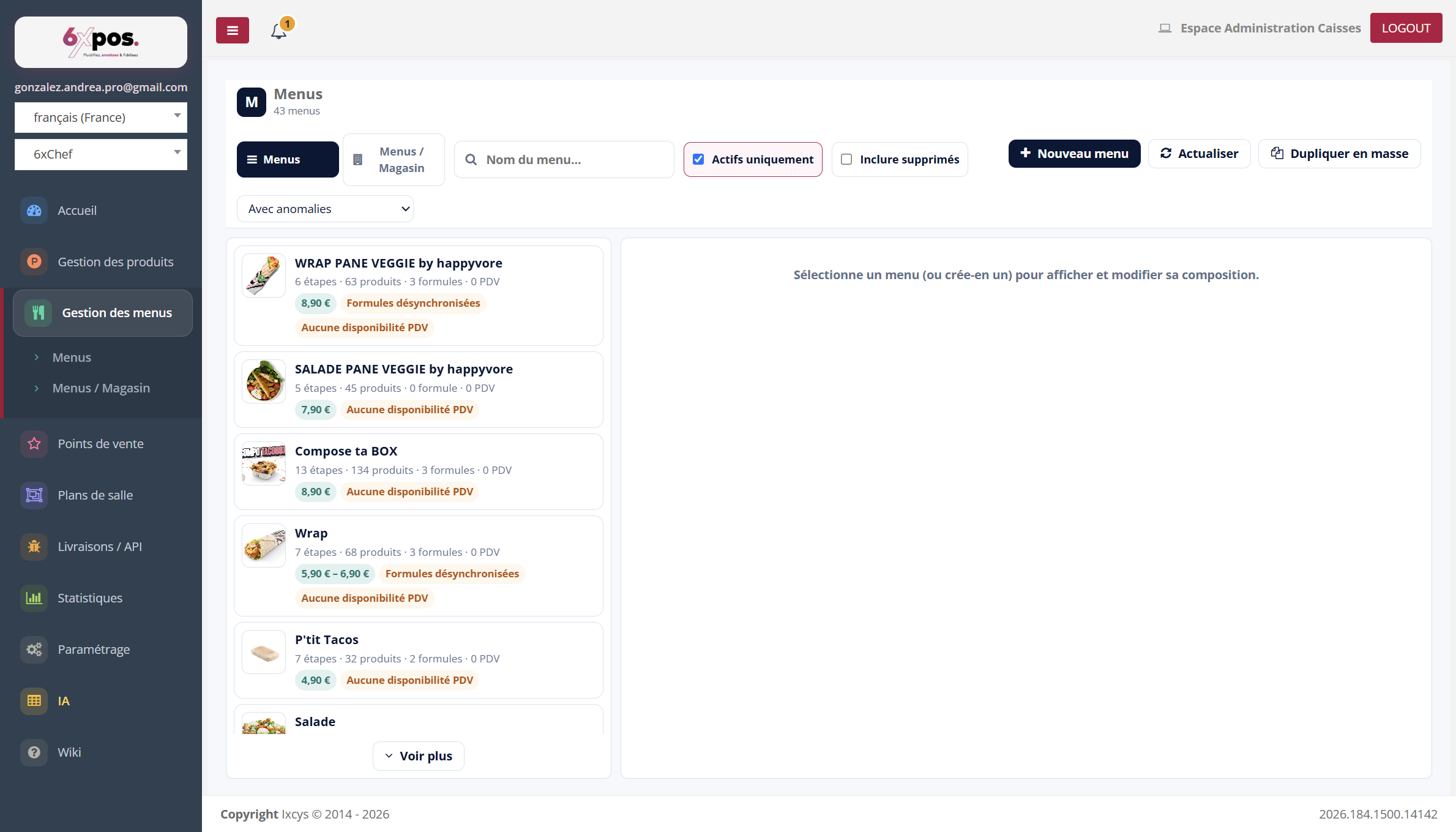
Figure 2 — The "With anomalies" Health filter isolates the menus to fix.
Six automatic checks: No step · Empty step(s) · Deleted/blocked product · No active price · Desynchronised price sets · No POS availability.
Good to know — "Desynchronised price sets" (a legacy from the old back office) is fixed in a single move: reopen the menu and re-save any price set of the affected price — the POS till JSON is regenerated automatically.
Good to know — deleting a product from the catalogue does not remove it from the menus: it stays in its steps with a red "Deleted" badge and the menu switches to an anomaly state. Remove it by hand in each affected menu.
Archived menus
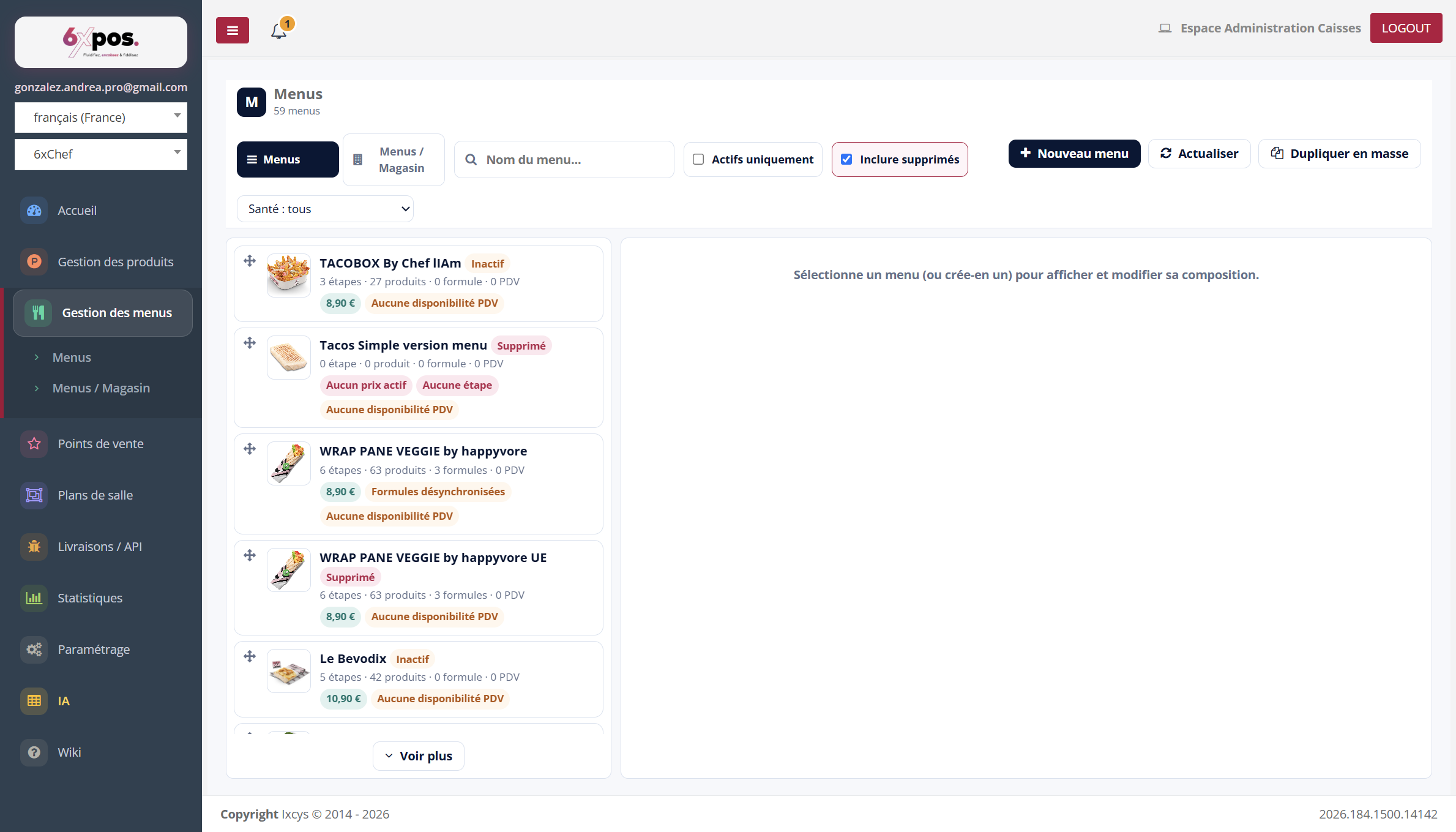
Figure 3 — "Include deleted": archived menus (red tag) and inactive ones (orange tag) remain viewable.
Archiving a menu is reversible: it disappears from sale but keeps its entire composition, and can be restored from this view.