
Control strip
The tamper-proof log of tickets for ONE point of sale — the operator's anti-fraud tool. Nothing ever disappears from it: cancelled tickets remain listed and highlighted ("Show cancelled" checked by default). The totals (Tickets, incl. VAT, excl. VAT, VAT) cover the ENTIRE filter, not just the displayed page.
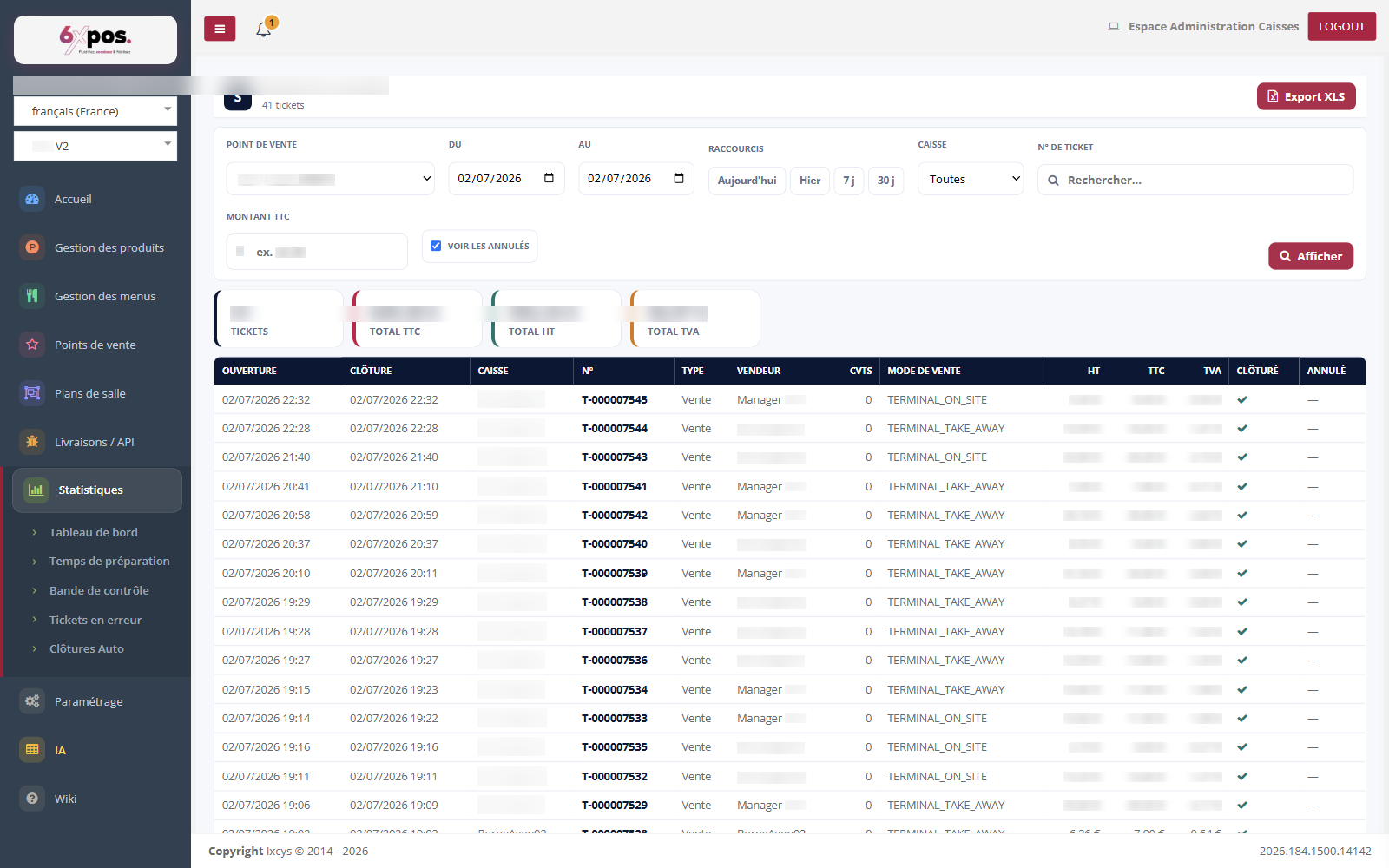
Figure 4 — The exhaustive ticket log of a point of sale: totals, fine-grained filters, cancelled tickets visible.
The tamper-proof log of tickets for ONE point of sale — the operator's anti-fraud tool. Nothing ever disappears from it: cancelled tickets remain listed and highlighted ("Show cancelled" checked by default). The totals (Tickets, incl. VAT, excl. VAT, VAT) cover the ENTIRE filter, not just the displayed page.
- Filters: POS till, ticket number, and EXACT amount incl. VAT — to find "the €23.50 ticket" a customer is asking about.
- Ticket detail: who created, closed and CANCELLED it; the lines (including cancelled ones, marked as such); the payments; the totals.
- Use cases: spot a salesperson's repeated cancellations (to cross-check with the closures), verify a split payment, retrieve a disputed ticket.
Warning — the filter applies to the CLOSING date: a ticket that is still open never appears, and a ticket closed after midnight is attached to the following day. If a ticket "is missing," look there first.