
Orders
Each order carries: number, type (UberEAT v2, Deliveroo v2, 6x Cart, POS till…), status (Created, Accepted, Rejected, Cancelled, Completed), summary, date, gross amount (incl. tax) of the linked POS ticket. You can view the POS ticket (lines, payments, totals) and the raw JSON sent by the platform.
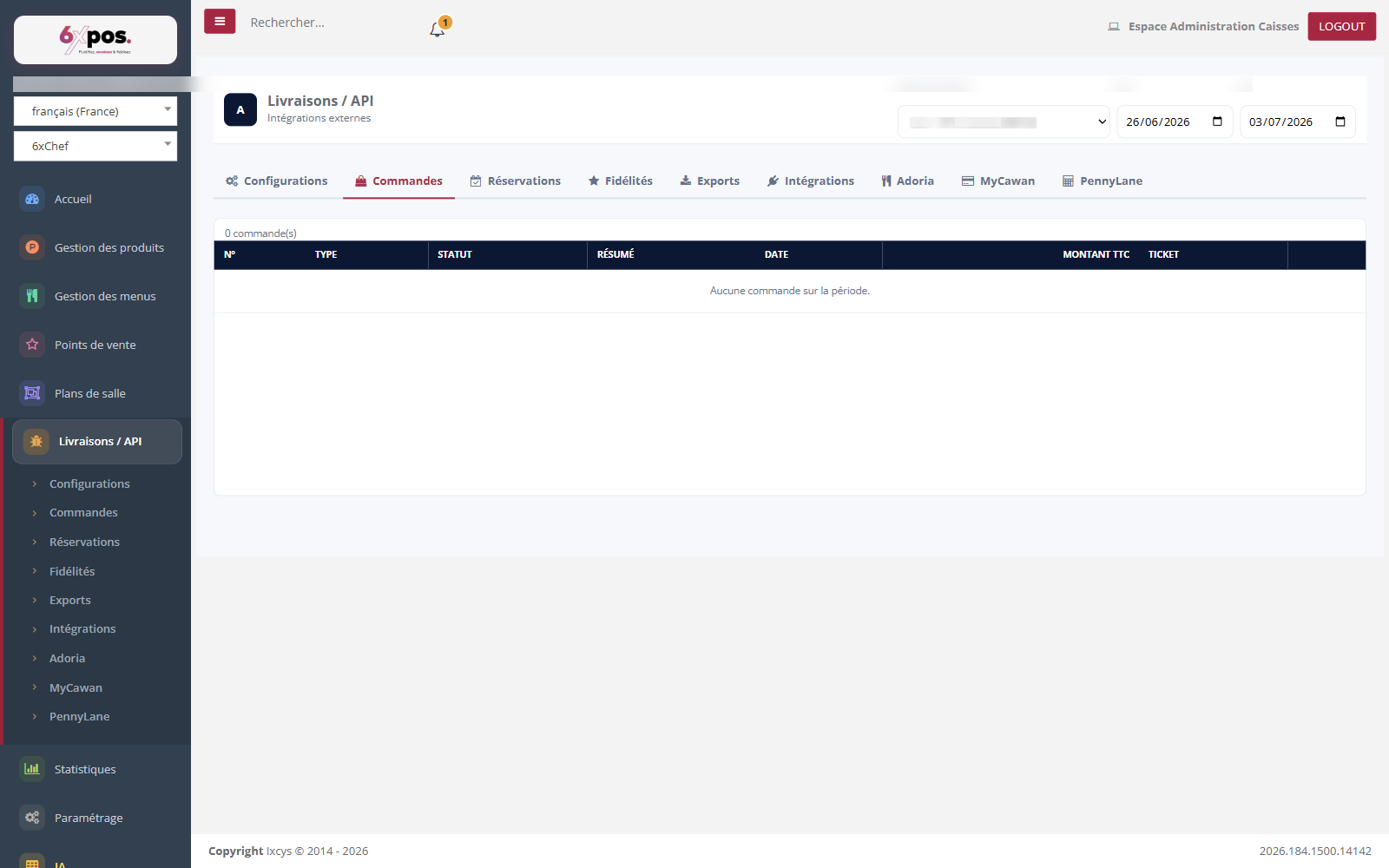
Figure 4 — The Orders tab: the log of platform orders (read-only), filtered by point of sale and period.
Each order carries: number, type (UberEAT v2, Deliveroo v2, 6x Cart, POS till…), status (Created, Accepted, Rejected, Cancelled, Completed), summary, date, gross amount (incl. tax) of the linked POS ticket. You can view the POS ticket (lines, payments, totals) and the raw JSON sent by the platform.
- Lifecycle: platform webhook → server processing (active configurations only) → automatic acceptance → real-time wake-up of the POS → ticket settled in the kitchen.
- Troubleshooting: inactive config = no more orders arrive; “product not found” = out-of-sync menu → republish the menu; 500 error on opening = missing user rights.