
PennyLane (accounting)
The accounting export to PennyLane is set up in three stages:
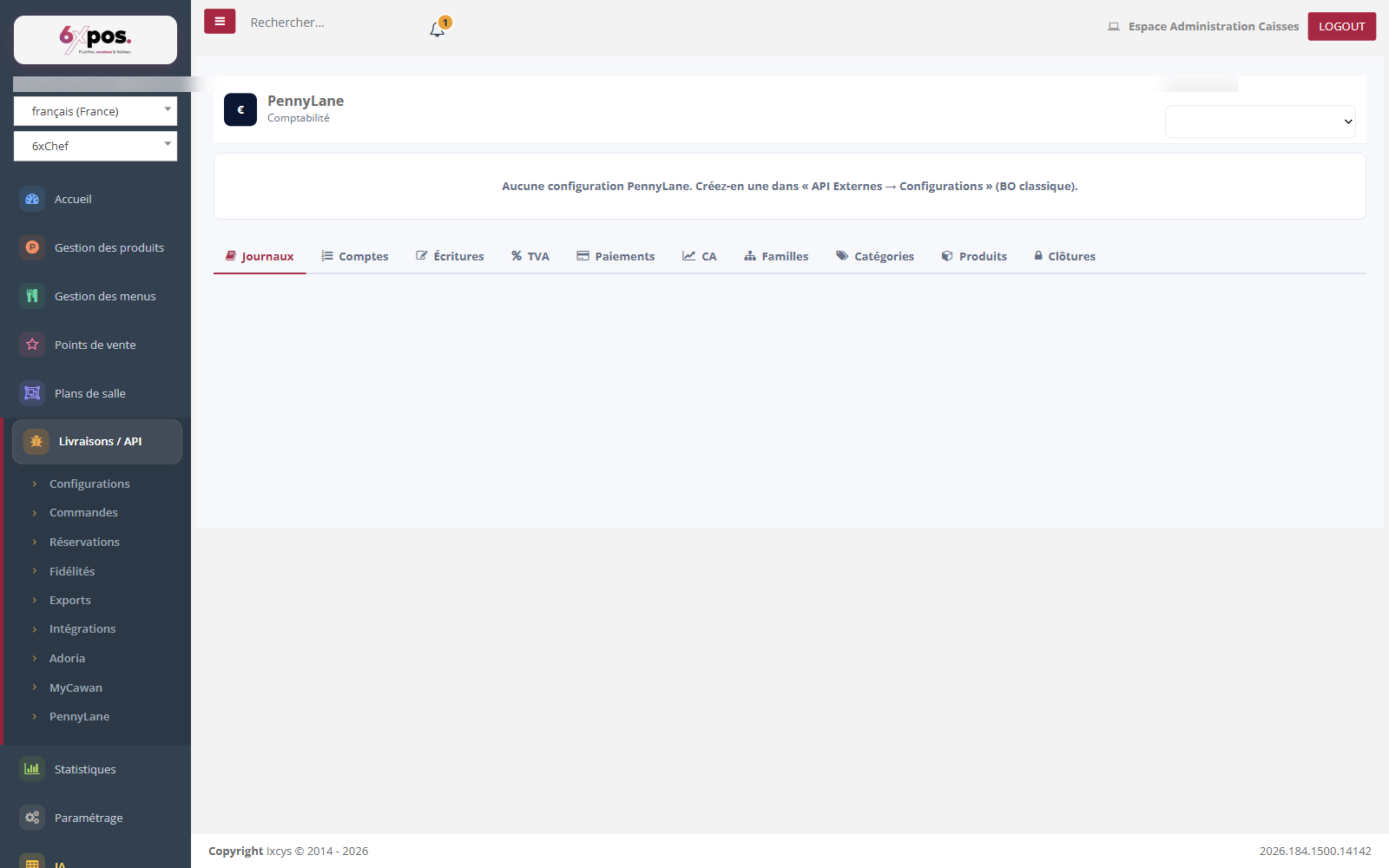
Figure 12 — The PennyLane page: configuration, OAuth connection, then the import and mapping tabs.
The accounting export to PennyLane is set up in three stages:
-
- CONNECTION: choose the configuration then "Connect to PennyLane" (OAuth authorization on app.pennylane.com). All tabs are locked before this.
-
- IMPORT: "Import from PennyLane" the Journals and the chart of Accounts — essential BEFORE creating the mappings.
-
- MAPPINGS: six association tables — TVA, Payments, Revenue, Families, Categories, Products — link each 6xpos entity to its PennyLane account. Closures are then sent as accounting entries.
Good to know — "Connected" indicates the presence of a token, not its validity: if a submission fails, use "Reconnect". To change the account of an existing mapping: delete then recreate it. The "Daily" closure is deliberately excluded from the queue (avoids duplicate entries with the Z reports).